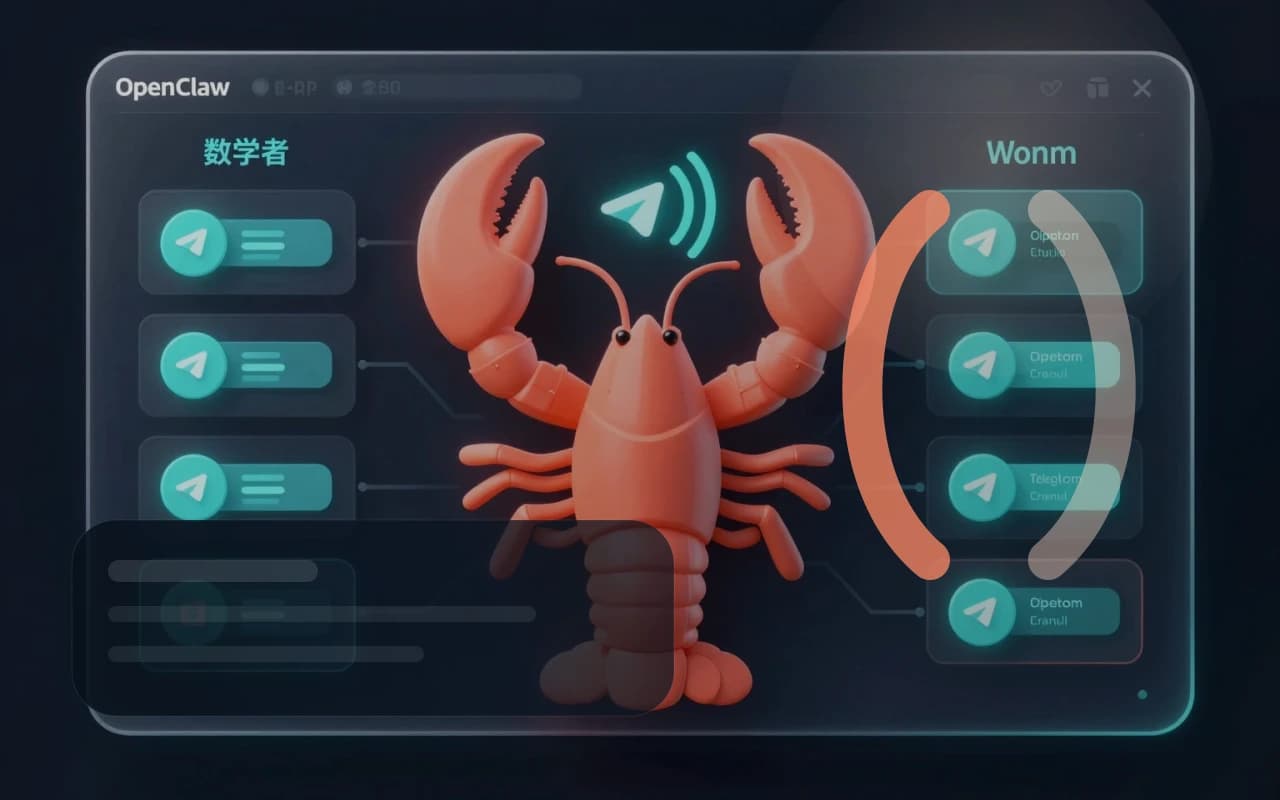
Sign in before you deploy
The dedicated install page checks your sign-in state and deployment eligibility first, so the homepage does not have to mix operational states, errors, and marketing copy together.
This page only does one job: let you finish a self-serve OpenClaw deployment inside a dedicated workspace. The homepage helps you decide whether to do it yourself. This page helps you handle the model, channel, token, and deployment state clearly.
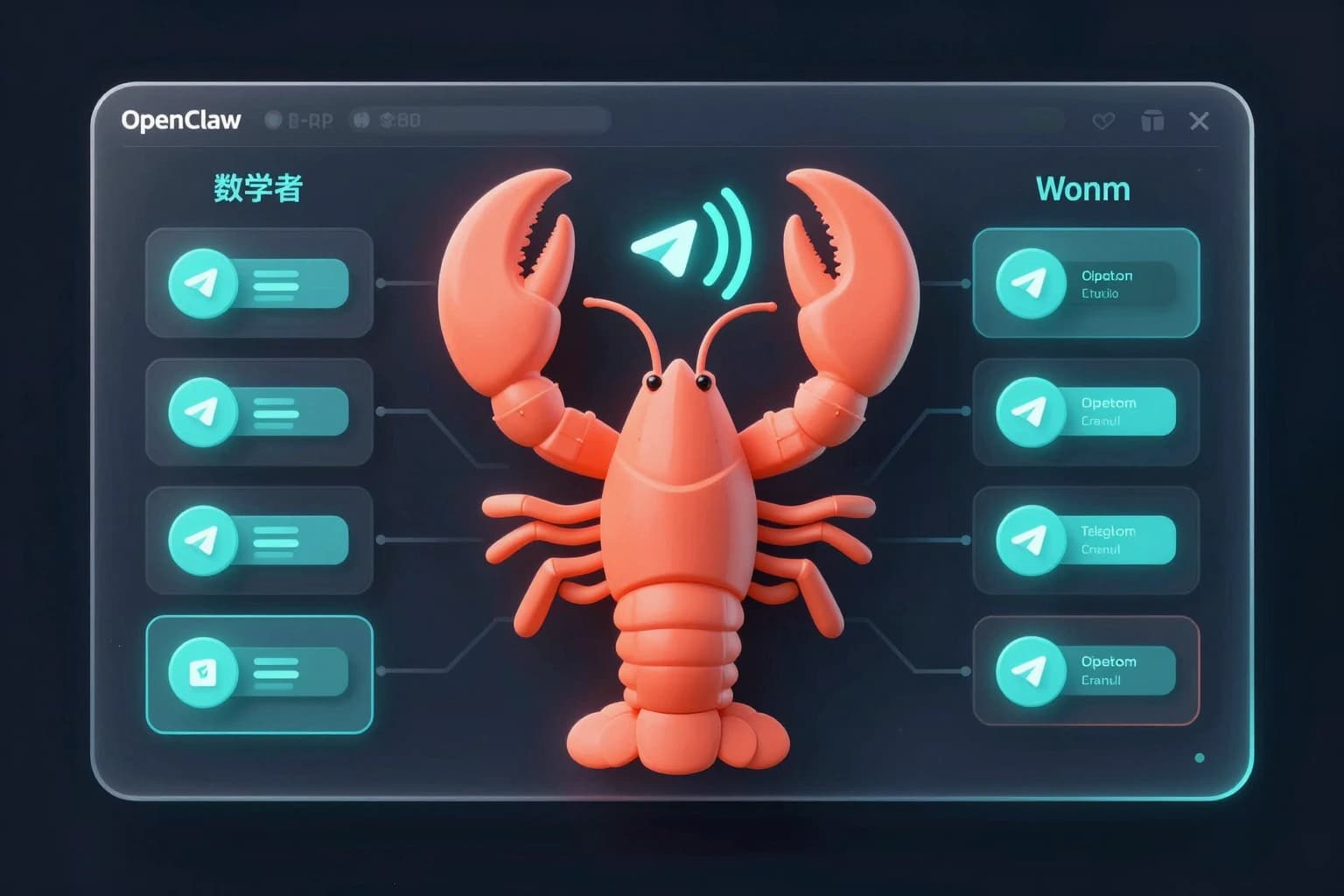
Before you start
Self-serve install is not a mindless one-click action. It is much easier than building everything from scratch, but you still need to handle sign-in, model choice, channel connection, and basic error prompts yourself.
The dedicated install page checks your sign-in state and deployment eligibility first, so the homepage does not have to mix operational states, errors, and marketing copy together.
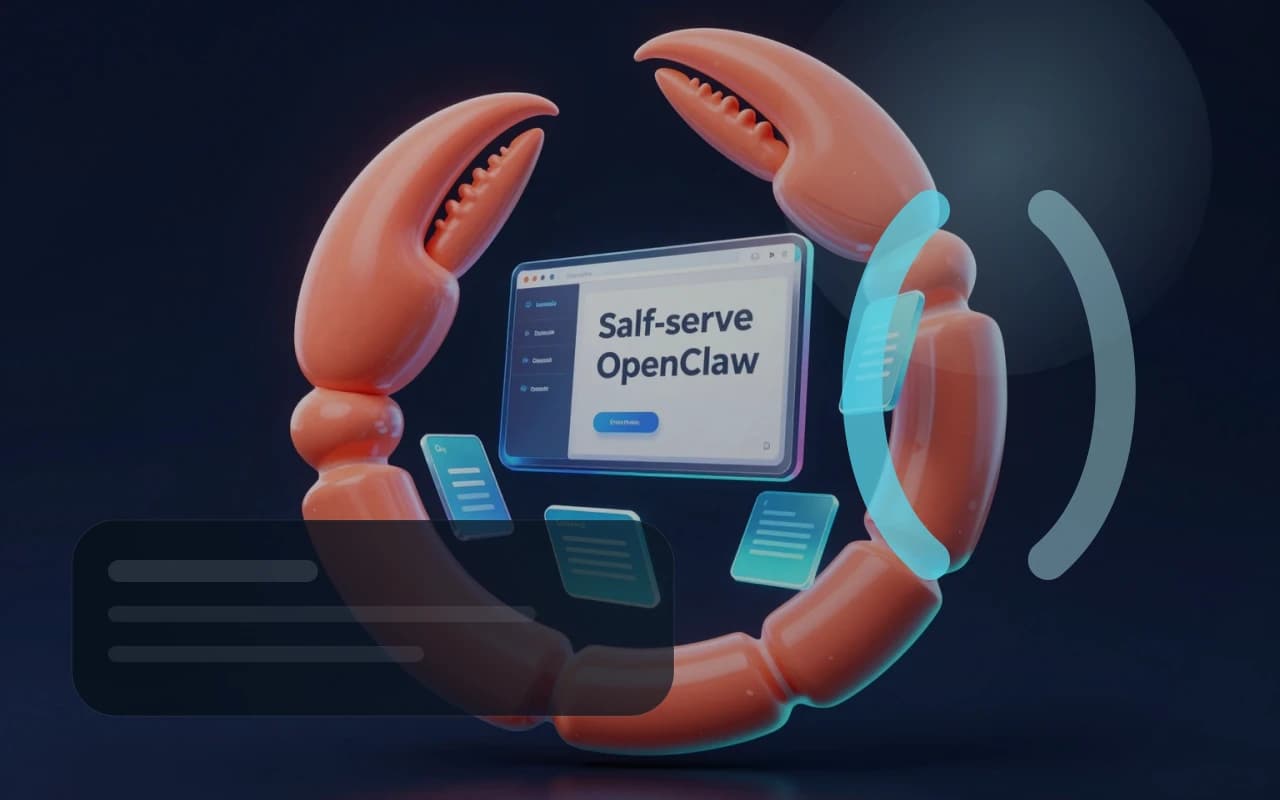
You can pick a default model directly in the workspace. You do not need to research every provider first, but you should know whether you prefer Claude, GPT, or Gemini.

If you plan to use Telegram, it is better to have the Bot Token ready before you start. The workspace includes guidance, but having it upfront makes the flow smoother.
Deploy Studio
The full self-serve deployment chain stays here. This workspace handles sign-in checks, model and channel selection, Telegram token connection, and post-deploy polling.
You need to sign in before creating an OpenClaw deployment in the workspace.
The complete self-serve flow stays here: choose a model, connect a channel, fill the token, create the deployment, and watch the status.
If you do not want to deal with eligibility checks, tokens, or failed deployment retries yourself, going back to the homepage and choosing remote setup is usually the better fit.
xiaolongxia
OpenClaw Launch Service
Remote OpenClaw setup, guided self-serve deployment, and install guides for Chinese-speaking users.
support: [email protected]